What do you want to
build first?
Choose your discipline. We'll take you directly to your personalized learning path — instructor, curriculum, and a free first lesson ready to go.
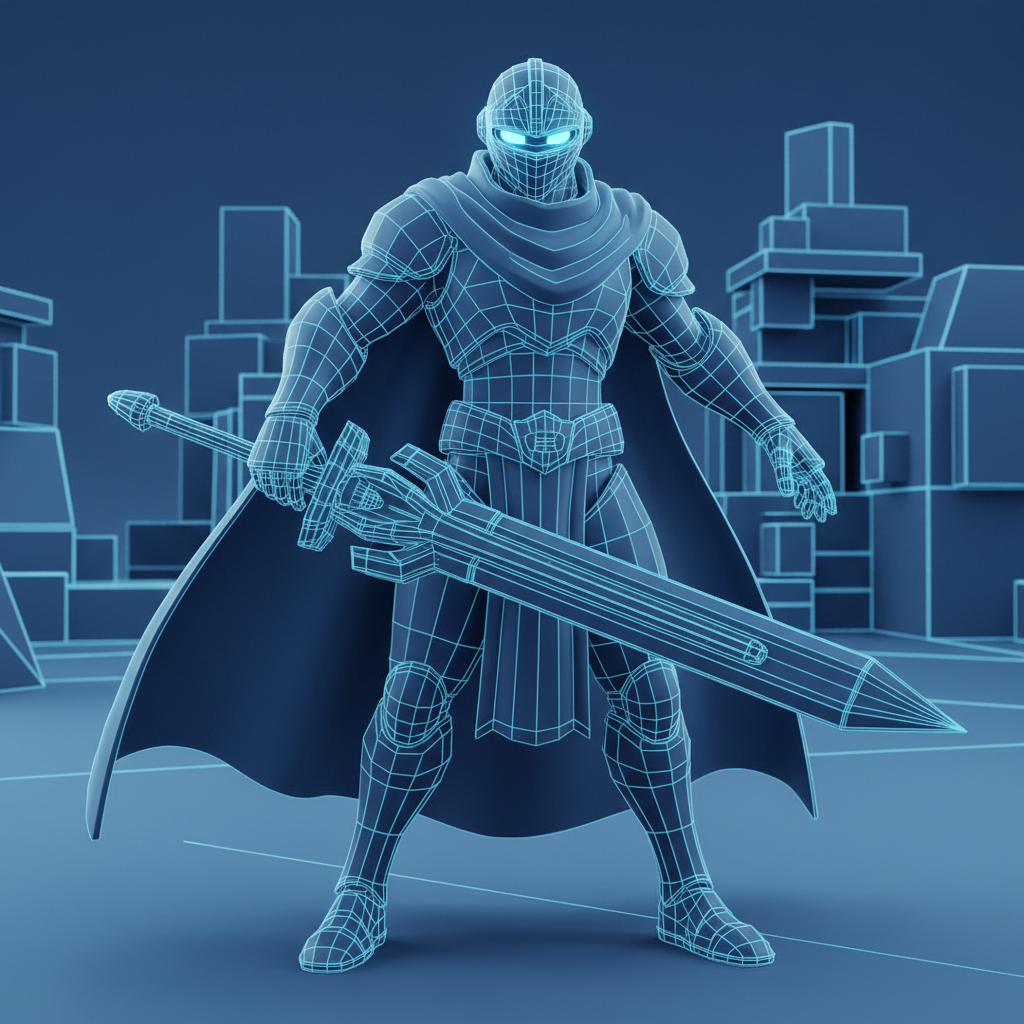
A Character
Anatomy · Topology · Rigging-ready
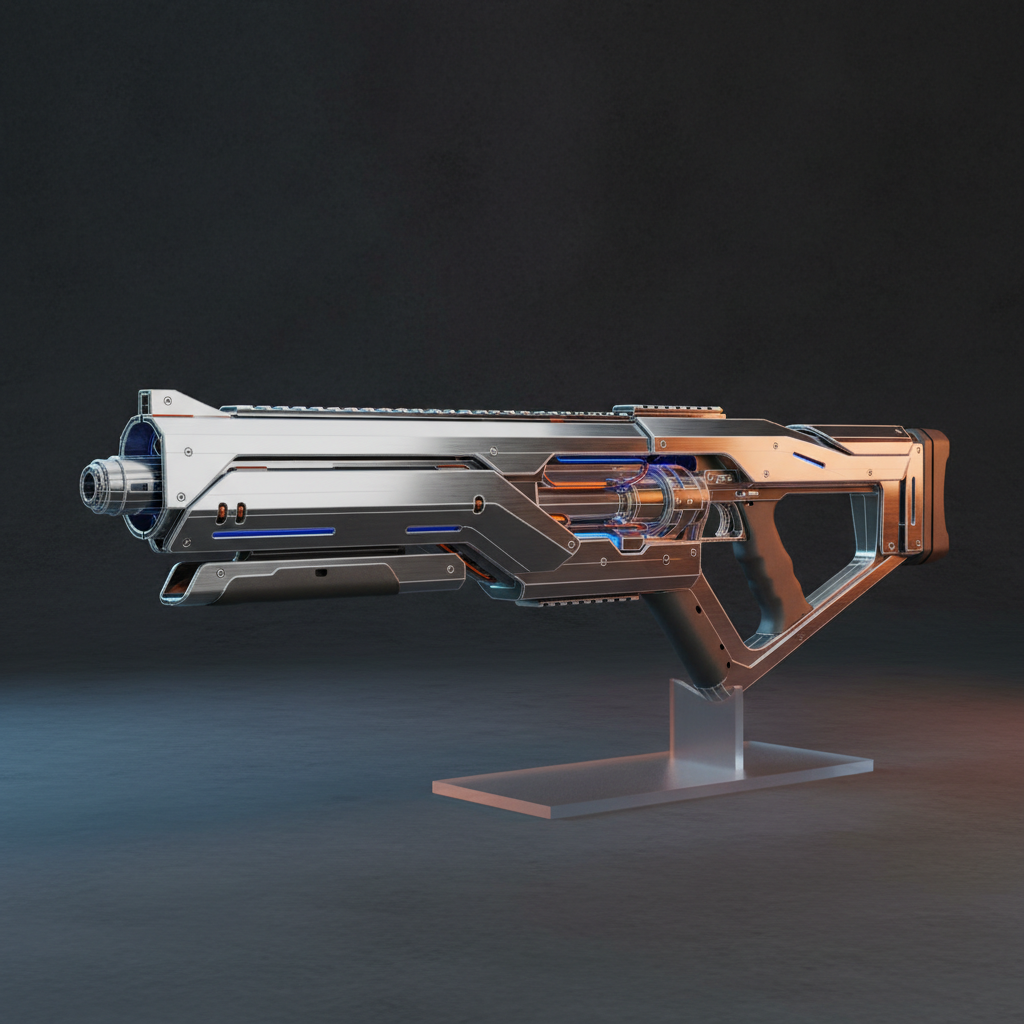
A Hard-Surface Asset
Weapons · Vehicles · Game-ready

An Environment
Architecture · Scenes · Lighting
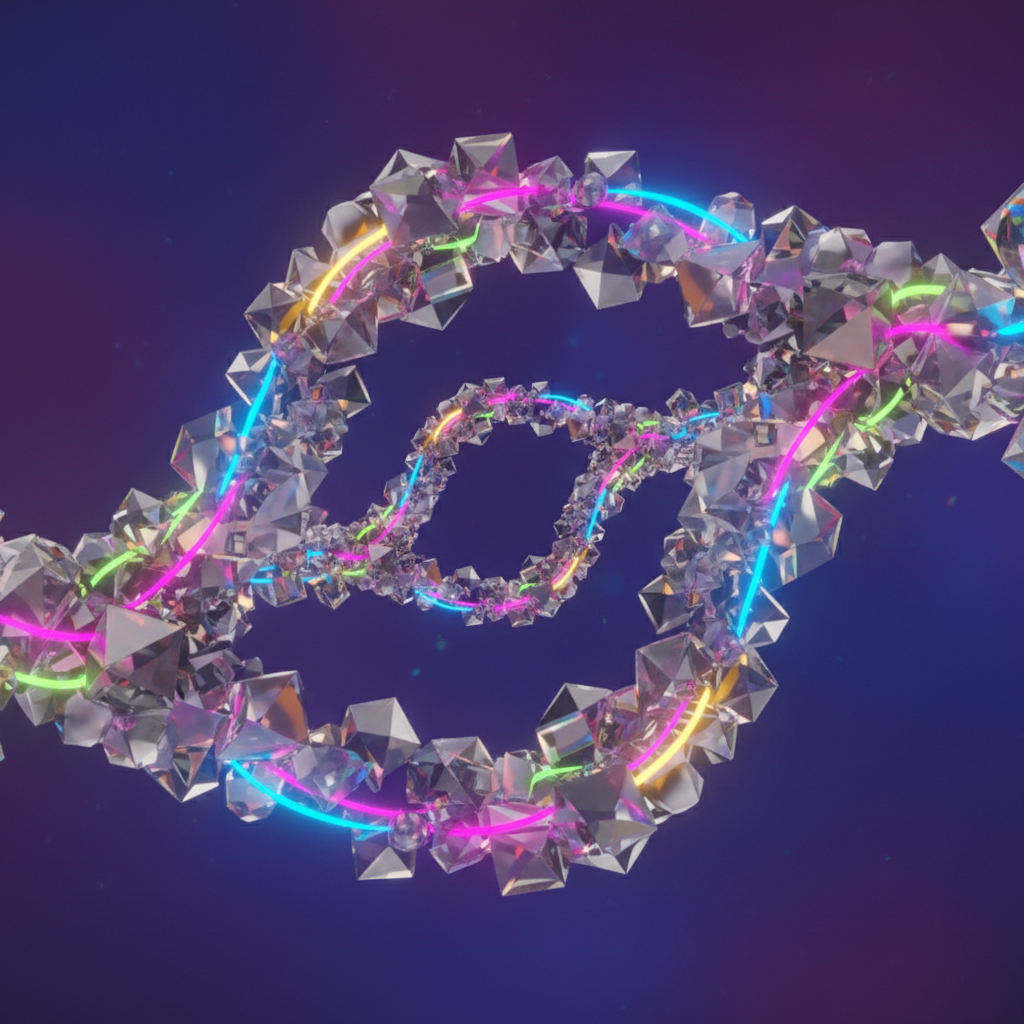
A Motion Loop
Animation · Cycles · Rendering
Topology that moves the way flesh does.
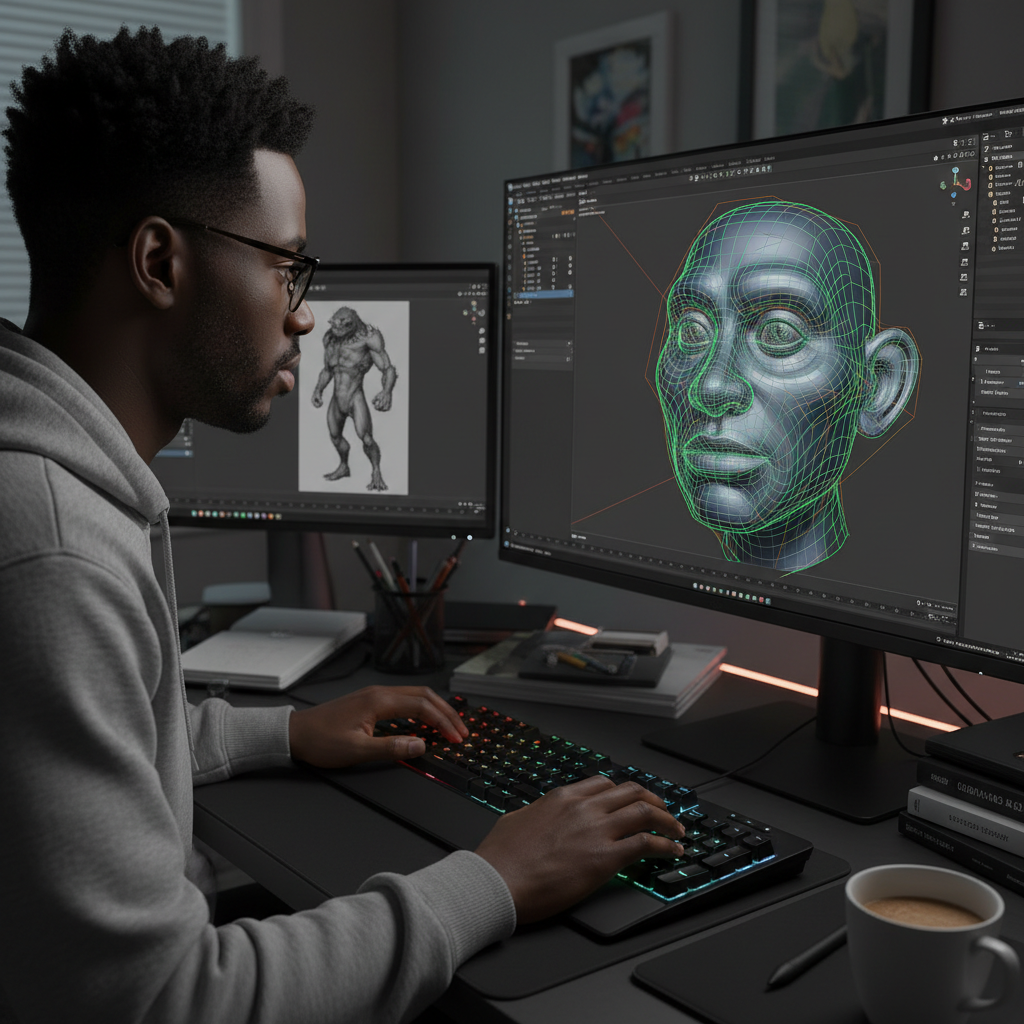
Marcus Osei
Senior Character Artist · ex-Naughty Dog
"Clean topology is not an aesthetic choice. It is the difference between a rig that works and one that explodes at 45 degrees."
Marcus built characters for three AAA titles before deciding the pipeline needed better teachers. His loops-first methodology means your rigs deform cleanly on the first try — no sculpt-and-pray, no post-production mesh fixes.
Curriculum · Node Tree
Reference Setup & Proportions
Blocking the Head — Loops First
Eye Socket & Orbital Loops
Mouth Poles & Nasolabial Flow
Body Blocking & Silhouette
Hand Topology — All 5 Fingers
Rig-Ready Export & Weight Paint Prep
Ship game-ready assets by Friday.
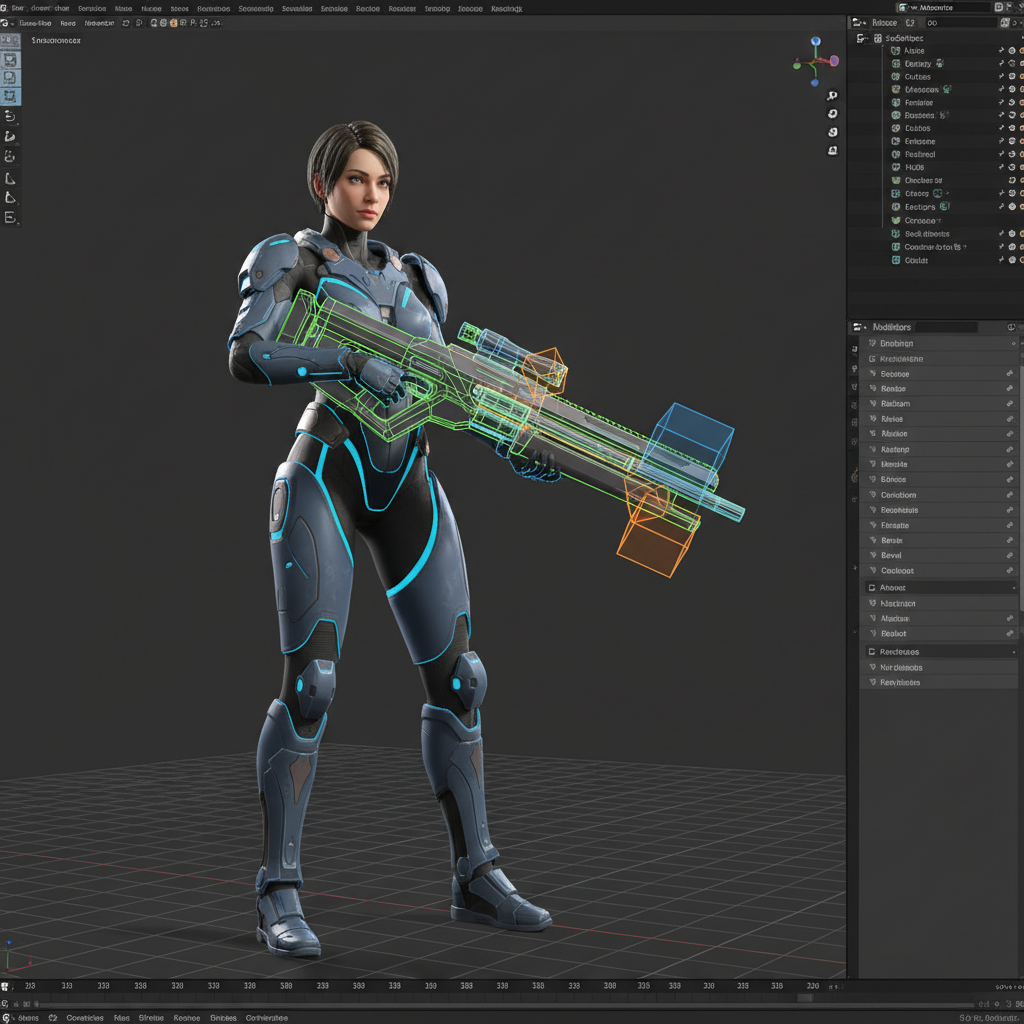
Priya Venkataraman
Prop & Weapons Artist · ex-Ubisoft Singapore
"Your poly count budget is a creative constraint, not a limitation. The artists who understand that ship twice as many assets."
Priya spent four years as a prop artist at Ubisoft Singapore before going independent. Her workflow is ruthlessly efficient — boolean-first for speed, manual cleanup for precision, bake-ready UVs as a non-negotiable exit condition.
Curriculum · Node Tree
Boolean Workflow — Speed Modeling
Bevel Modifier & Weighted Normals
Low-Poly Retopology from High
UV Unwrapping for Baking
Normal Map Baking in Cycles
Game Engine Export — Unreal & Unity
Spaces that tell stories before anyone walks in.
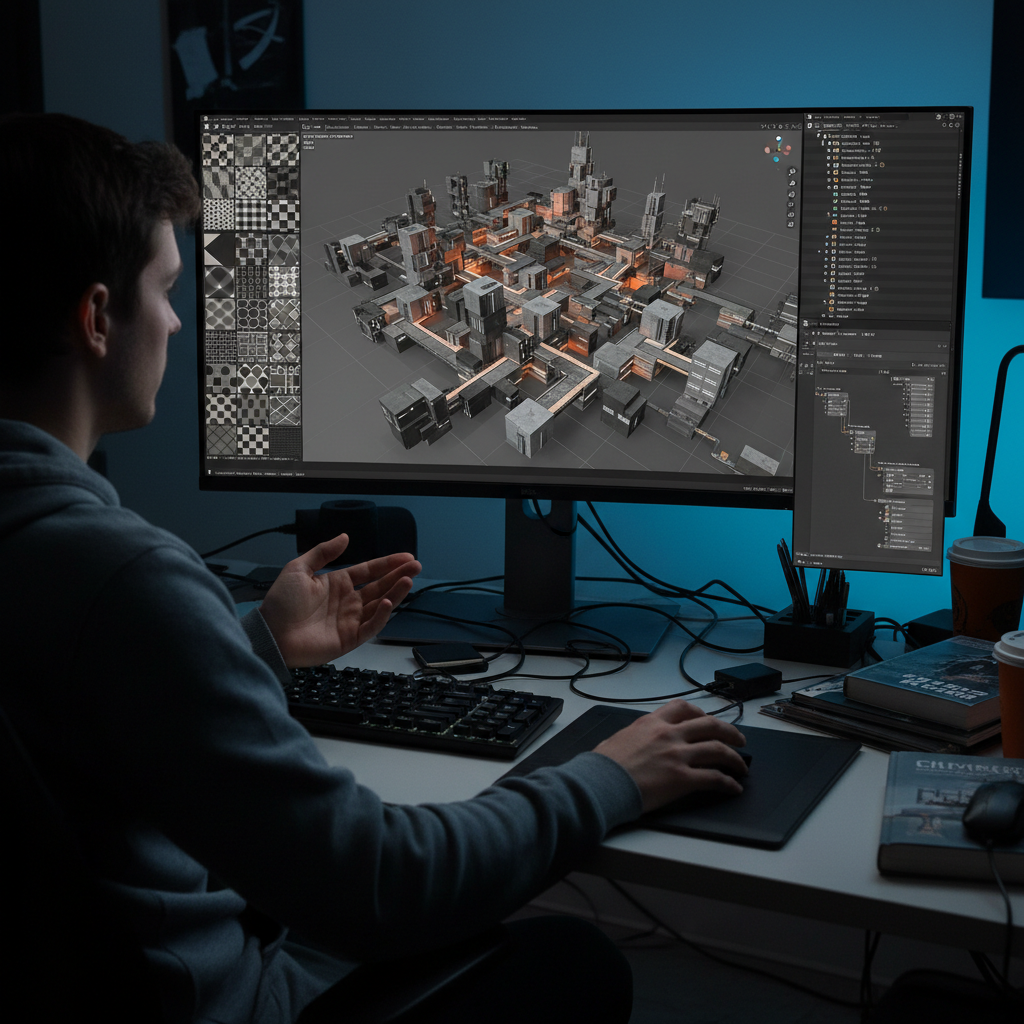
Tomás Novák
Environment Artist · 3x Shipped Indie Titles
"The best environment artists are actually set designers. Every prop placement is a decision about where the player looks next."
Tomás worked on environmental storytelling for three indie games shipped on Steam before joining PolygonPath full-time. He teaches modular kit thinking — build once, dress everywhere.
Curriculum · Node Tree
Modular Kit Theory & Grid Alignment
Tiling Textures & Seam Hiding
Lighting Mood — EEVEE vs Cycles
Foliage & Scatter Systems
Hero Props — Telling the Story
Final Render & Composition
Loops that live forever on your reel.
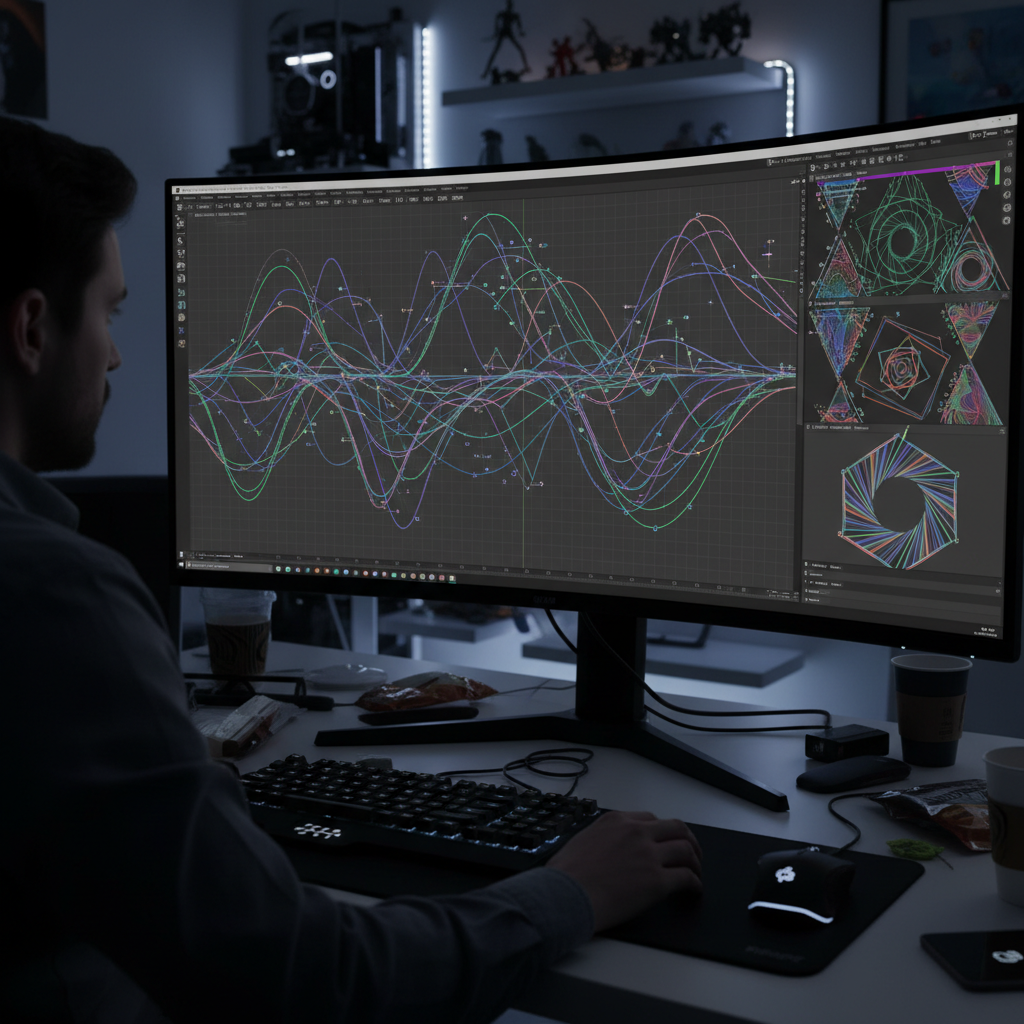
Aiko Tanaka
Motion Designer · Brand Campaign Specialist
"A perfect 3-second loop is harder to make than a 30-second animation. Constraints are where craft lives."
Aiko transitioned from graphic design into 3D motion five years ago and has since built a client list that includes three Fortune 500 brand campaigns. She teaches the 3-second loop discipline — every frame must justify its existence.
Curriculum · Node Tree
The 3-Second Loop Discipline
Graph Editor Mastery
Geometry Nodes for Motion
Material Animation & Shader Tricks
Camera Work & Depth of Field
Render Output & Social Formats
Your first mesh,
in 12 minutes.
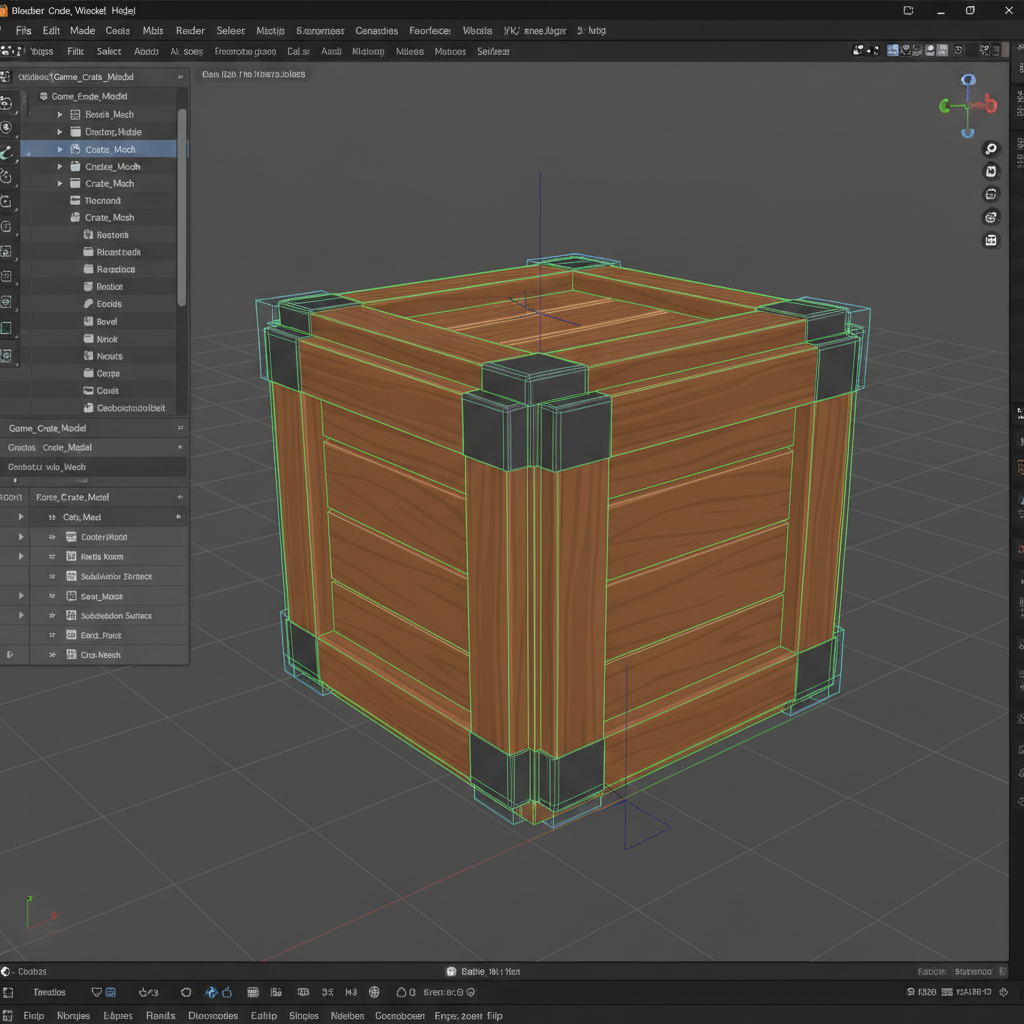
Watch Marcus model a game-ready crate from a default cube — loop cuts, bevels, insets. The exact workflow you'll use on every asset for the rest of your career. No account. No credit card. Just press play.
Download the Topology Cheat Sheet
The reference card every PolygonPath student keeps pinned beside their monitor. Edge flow rules, loop count guidelines, and the 12 topology mistakes that get demo reels rejected. Two pages. Print-ready. Free.